Canada passport photo (online renewal)
Made to the Canada rules in your browser. Free preview, $8.95 for the file.
- Size:
- 1200×1800 px digital file
- Background:
- Plain white
Canada passport photo (online renewal) size and rules
| Digital photo | 1200 × 1800 to 3000 × 4500 px |
|---|---|
| File size | 200 KB – 5 MB |
| Head height (chin to crown) | 45–50% of photo height |
| Background | Plain white(our default) |
| Glasses | Avoid unless you must; no glare, frames clear of the eyes(our default) |
Printed Canadian passport photos must be stamped on the back by the photo studio, so we only make the digital file for online renewal.
The file must be JPEG, 3:2 portrait, and between 200 KB and 5 MB.
Canada passport photo (online renewal) example
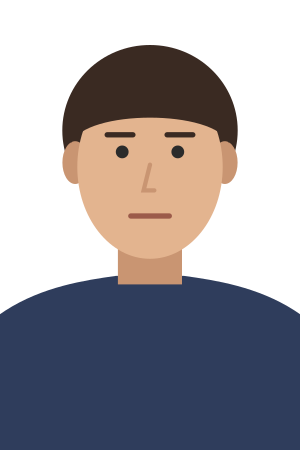
Common reasons photos are rejected
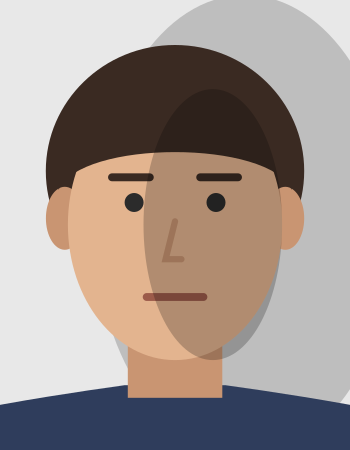
Shadow on the face or wall 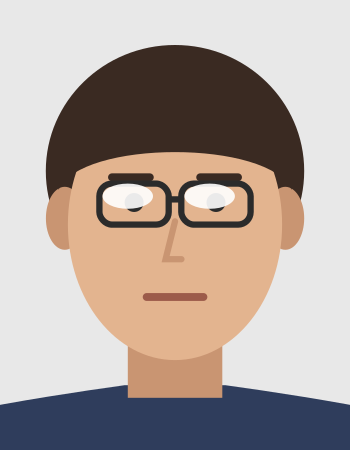
Glare on glasses 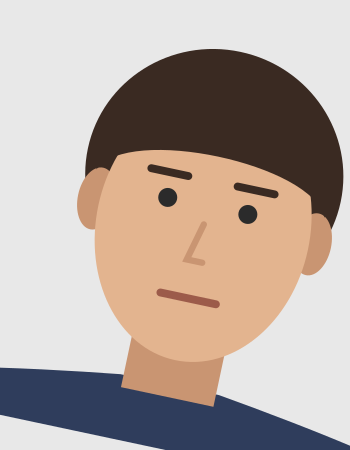
Head tilted 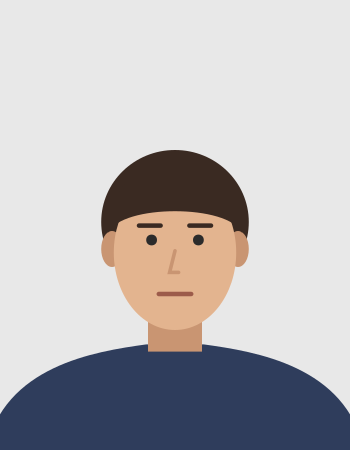
Head too small 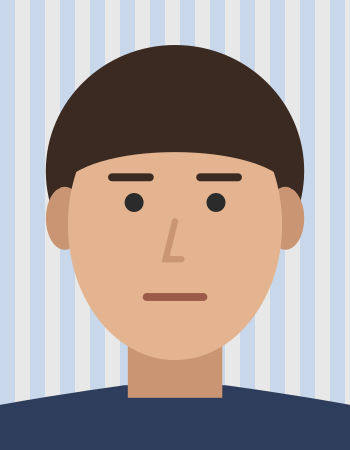
Patterned background
- Head too big or too small
- Patterned or wrong-colour background
- Smiling with teeth or open mouth
- Head tilted or turned
- Shadows on the face
- Glare on glasses
- File outside 200 KB – 5 MB
Official source
Checked on . Not a government website; the issuing authority has the final say.
Show official wordingHide official wording
“Your photo must be in .jpeg or .jpg format. … be at least 1,800 pixels high by 1,200 pixels wide … be no larger than 4,500 pixels high by 3,000 pixels wide … have a 3:2 aspect ratio … be between 200 KB and 5 MB in size … between 45% and 50% of the photo's height … the photographer must clearly write or stamp the: date the photo was taken; name and complete address of the photo studio”
Canada passport photo (online renewal): questions
What size is a Canada passport photo (online renewal)?
The digital file must be 1200 × 1800 to 3000 × 4500 px, 200 KB – 5 MB. The head, from chin to crown, must be 45–50% of photo height.
What background does a Canada passport photo (online renewal) need?
The official source does not state a colour; our default is plain white. Our advice: no shadows or patterns.
Can I wear glasses in a Canada passport photo (online renewal)?
Avoid unless you must; no glare, frames clear of the eyes (our advice; the official source does not say).
How do I make a Canada passport photo (online renewal) online?
Upload a photo you already have, taken facing the camera against a plain wall. Normfoto finds your face, replaces the background, crops it to the Canada rules and checks pose, eyes, expression, framing, resolution and lighting, all in your browser. The preview is free.
How much does it cost?
The preview is free. The file costs $8.95: a JPEG cut to this document's size and file limits. The download link works for 72 hours.
Will my photo be accepted?
Only the issuing authority decides that, so no one can promise it. If your photo is rejected because of its size, head height, background or one of our checks, contact us within 30 days with your order ID and we remake it or refund you.