US passport photo online
Made to the United States rules in your browser. Free preview, $8.95 for the file.
- Size:
- 2 × 2 in print · 1200×1200 px file
- Background:
- White or off-white, plain, no shadows
US passport photo size and rules
| Print size | 2 × 2 in (51 × 51 mm) |
|---|---|
| File we deliver | 1200 × 1200 px JPEG(our default) |
| File size | 54 KB – 10 MB |
| Head height (chin to crown) | 1–1 3/8 in (25–35 mm) |
| Background | White or off-white, plain, no shadows |
| Glasses | Take off eyeglasses, sunglasses or tinted glasses |
The State Department rejects photos whose background was changed with editing software, so for this document we keep your original background. Take the photo in front of a plain white or off-white wall; we check it before you pay.
The photo must be taken in the last 6 months. For online renewal, upload a JPG, PNG, HEIC or HEIF file between 54 KB and 10 MB.
US passport photo example
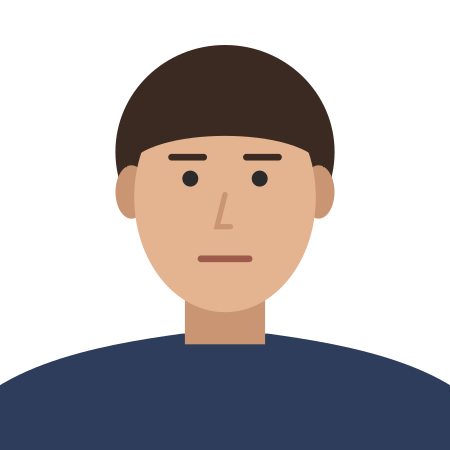
Common reasons photos are rejected
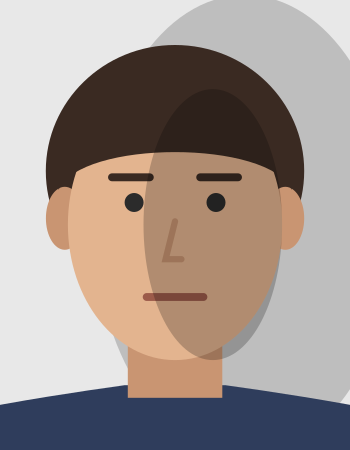
Shadow on the face or wall 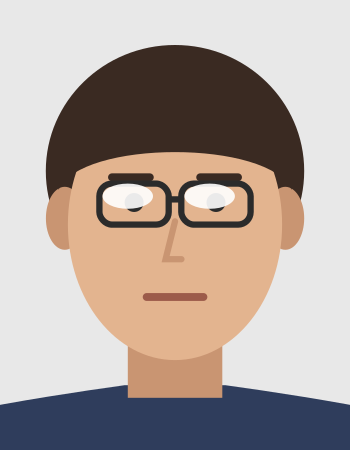
Glare on glasses 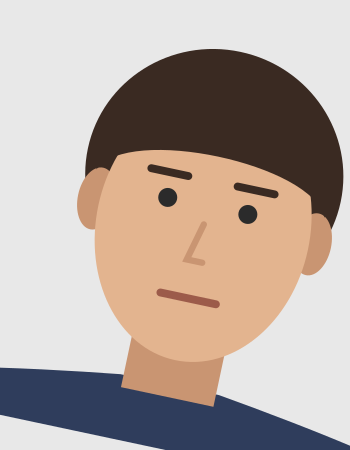
Head tilted 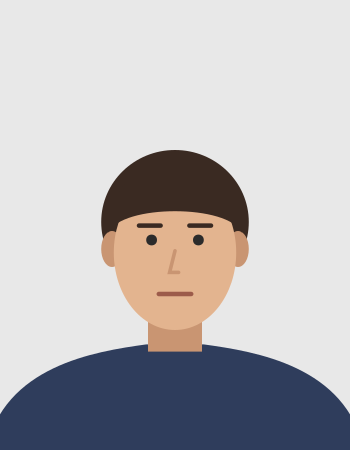
Head too small 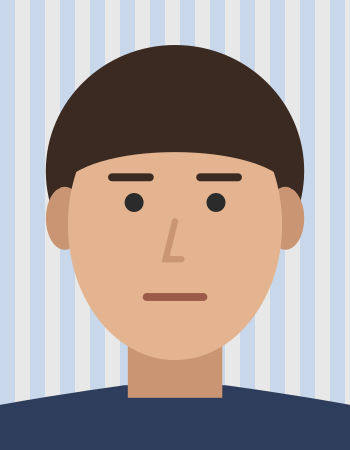
Patterned background
- Head too big or too small
- Patterned or wrong-colour background
- Smiling with teeth or open mouth
- Head tilted or turned
- Shadows on the face
- Wearing glasses
- File outside 54 KB – 10 MB
Official source
- travel.state.gov/en/passports/apply/help/photos.html
- travel.state.gov/en/passports/renew-replace/online/upload-digital-photo.html
Checked on . Not a government website; the issuing authority has the final say.
Show official wordingHide official wording
“Submit 1 color photo taken in the last 6 months. … Position yourself several feet away from a white background or wall. … The correct printed size of a passport photo is 2 x 2 inches (51 x 51 mm). The size of your head in the printed photo must be between 1 -1 3/8 inches (25 - 35 mm) from the bottom of the chin to the top of the head. … Background must be white or off-white, free of shadows, and plain without texture, objects, or lines. … Take off any eyeglasses, sunglasses, or tinted glasses. … If you cannot remove your glasses for medical reasons, please include a signed note from your doctor with your application. … UNACCEPTABLE The background is cropped using a photo retouching tool, changing the outline of your head, face, and neck.”
“The photo is a JPG, JPEG, PNG, HEIC, or HEIF file. … The file size should be between 54 KB and 10 MB. … Submit the original, unedited photo without filters or digital changes.”
US passport photo: questions
What size is a US passport photo?
The printed photo is 2 × 2 in (51 × 51 mm). The digital file must be 54 KB – 10 MB. The head, from chin to crown, must be 1–1 3/8 in (25–35 mm).
What background does a US passport photo need?
Official rule: White or off-white, plain, no shadows. Digital changes are not accepted for this document, so the background must already be plain white or off-white in your original photo. We check it before you pay.
Can I wear glasses in a US passport photo?
The official rule: Take off eyeglasses, sunglasses or tinted glasses.
How do I make a US passport photo online?
Take a photo facing the camera in front of a plain white or off-white wall, then upload it. Normfoto keeps your original background, crops the photo to the United States rules and checks the background, pose, eyes, expression, framing, resolution and lighting, all in your browser. The preview is free.
How much does it cost?
The preview is free. The file costs $8.95: a JPEG cut to this document's size and file limits, plus a 4 × 6 in sheet to print at any photo shop. The download link works for 72 hours.
Will my photo be accepted?
Only the issuing authority decides that, so no one can promise it. If your photo is rejected because of its size, head height, background or one of our checks, contact us within 30 days with your order ID and we remake it or refund you.